
No MoreApp account yet? Sign up here.
There are 3 different ways to get the invite mail.
-
Create a new account
-
New user invited to an account
-
Existing user invited to an account
1. Invite email
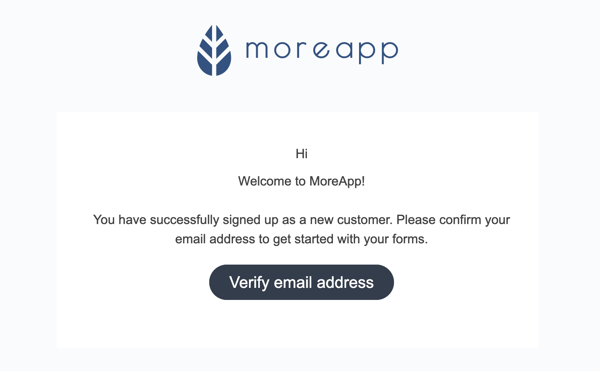
a) After you created a new account, you will receive an email from noreply@moreapp.com to activate your account. Click on Verify email address to confirm the creation of your account.
The email you receive looks like this:
b) When you are added to an existing account, you need to click on Accept invitation. You will be redirected to confirm your invitation.
Note: In this case, you do not need to follow the steps below.
2. Activate the account
Fill in the information required and click on To the Portal or Activate.
Once you have created a new account, you will be able to Log in to the MoreApp Platform with your email address and password. You are ready to start creating forms.
3. Download the App
To fill in forms you need to download the App for iOS or Android.
Use the Web App, which is the web version of the App, on your laptop, or if you have a Windows device.
Note: In the Web App, you can not work offline or take photos.
4. Congratulations!
You've successfully activated your account!
Want to stay up to date with our latest tutorials? Go to YouTube and hit the Subscribe button!