
No MoreApp account yet? Sign up here.
1. Description of the form
Log in to the MoreApp Platform and go to your form. You can add an extra description under the name of the form. Hit Add a form description and write additional information about the form.
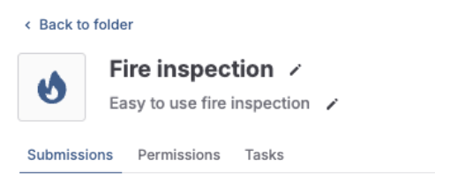
If you access the edit mode of the form, you will also have the option to change the description there, at the top of the form.
The forms will look like this in the App.
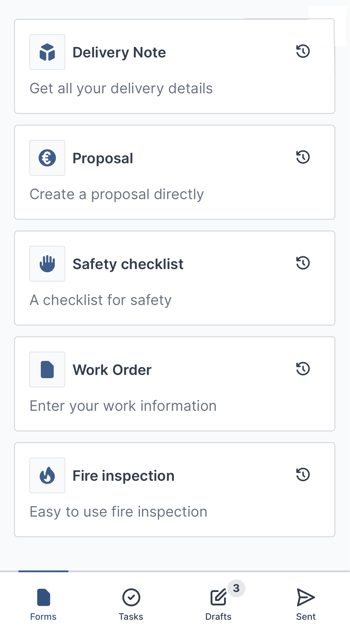
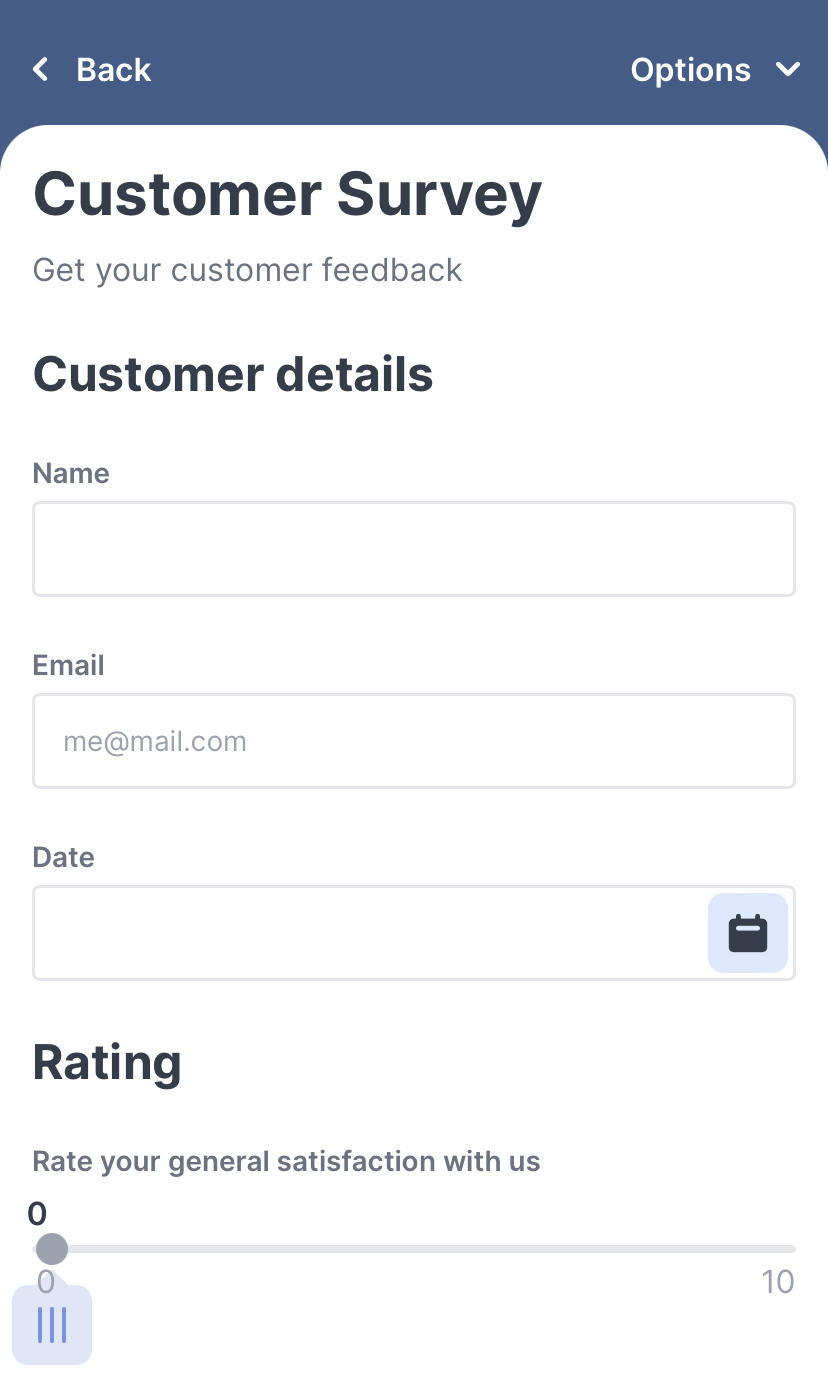
The description of the form will also be visible once you open the form, at the top.
2. Description in the App
You can also configure a description in the App for drafts, tasks or sent submissions.
In the Platform, go to the Settings tab of your form and fill in the description under Submission summary. You can use placeholders by clicking the thunder icon to open the list of available fields, or insert any descriptive text of your choice.
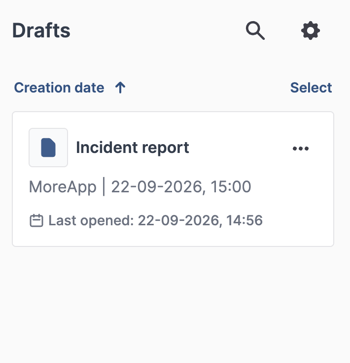
With the Submission summary, drafts will automatically be saved with a unique name. This description also makes it easier to find a sent item or a task in the App.
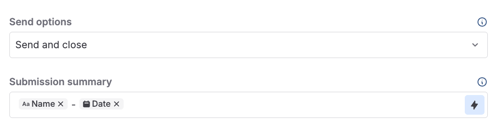
Click Publish once you have added the description. This is the result in the App for Android, iOS and Web.
Want to stay up to date with our latest tutorials? Go to YouTube and hit the Subscribe button!