
No MoreApp account yet? Sign up here.
This feature is available in the Branch, Tree and Forest plan. Visit our Pricing page.
1. Customise the PDF with HTML
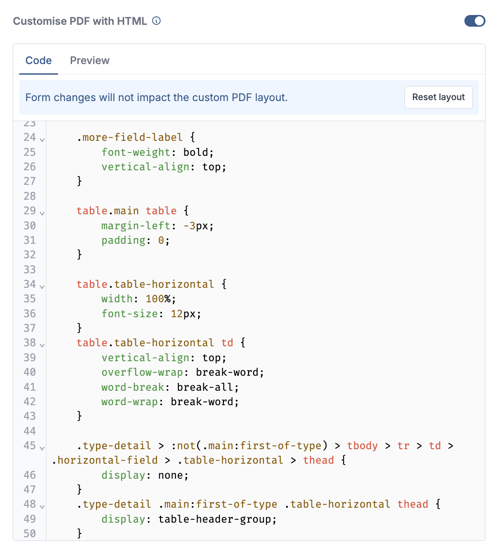
Once you have logged into the MoreApp Platform, click on Edit form. When you have finished the form, you can turn on the option Customise the PDF with HTML in the Email section of the Integrations tab.
After you activate the option to edit the report via HTML, modifications in your form are not updated automatically in the PDF report. When you add a new field to your form, manually add the field in the PDF report using HTML code or click on Reset layout. MoreApp will update the new fields in the order of their place in your form.
2. Search and delete the HTML code
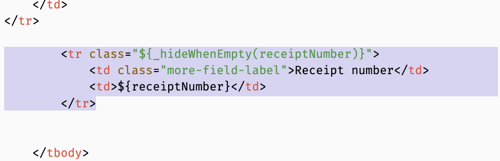
Search in the HTML-code (ctrl + f for Windows / cmd + f for Mac) for the data you do not want in your PDF report. In this example, we want to delete the Receipt number (Text field).
Delete the HTML code of the field by selecting 4 rows from <tr> until </tr>.
Repeat the process if you want to delete more information.
Want to stay up to date with our latest tutorials? Go to YouTube and hit the Subscribe button!